Over the Air Programming

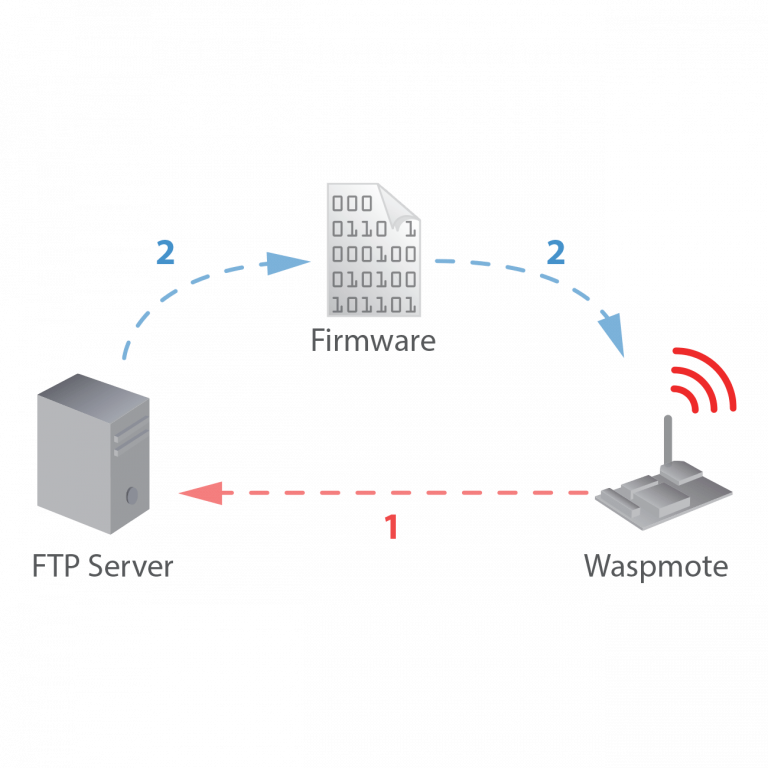
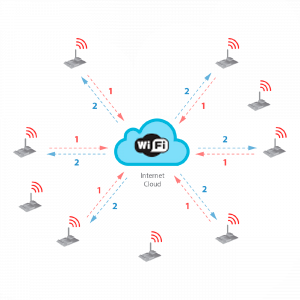
The concept of Wireless Programming or commonly know as Programming Over the Air (OTA) has been used in the past years overall for the reprogrammation of mobile devices such as cell phones. However, with the new concepts of Wireless Sensor Networks and the Internet of Things where the networks consist of hundreds or thousands of nodes OTA is taken to a new direction, and for the first time it is applied using unlicensed frequency bands (2.4GHz, 868MHz, 900MHz) and with low consumption and low data rate transmission using protocols such as 802.15.4 and ZigBee.

OTA 802.15.4

Benefits

  • Enables the upgrade and change of firmware versions without physical access
  • Allows to recover any sensor node which gets stuck
  • Let discover nodes in the area just sending a broadcast discovery query
  • Enables to upgrade an entire network in just a couple of minutes
  • No interferences are caused: OTA is performed using a change of channel between the programmer and the desired node

Steps

  • Locate the node to upgrade
  • Check current software version
  • Send the new program
  • Reboot and start with the new program
  • Restore the previous program if the process fails

Encryption and Authentication

All the data which is sent in the OTA process can be secured by activating the encryption algorithm AES 128b which works in the link layer. As well as this, a second pass key is needed to be known by the OTA programmer (the Gateway) in order to be authenticated and validated by each node before starting with the OTA action requeste.

Modes

  • Unicast: Reprogram an specific node
  • Multicast: Reprogram several nodes at the same time sending the program just once
  • Broadcast: Reprogram the entire network sending the program just once

Topologies

  • Direct access: when the nodes are accessed in just one hop (no forwarding of the packets is needed).
  • Multihop: when the nodes are accessed in two or more hops. In this mode some nodes have to forward the packets sent by the Gateway in order to reach the destination.

Storage System

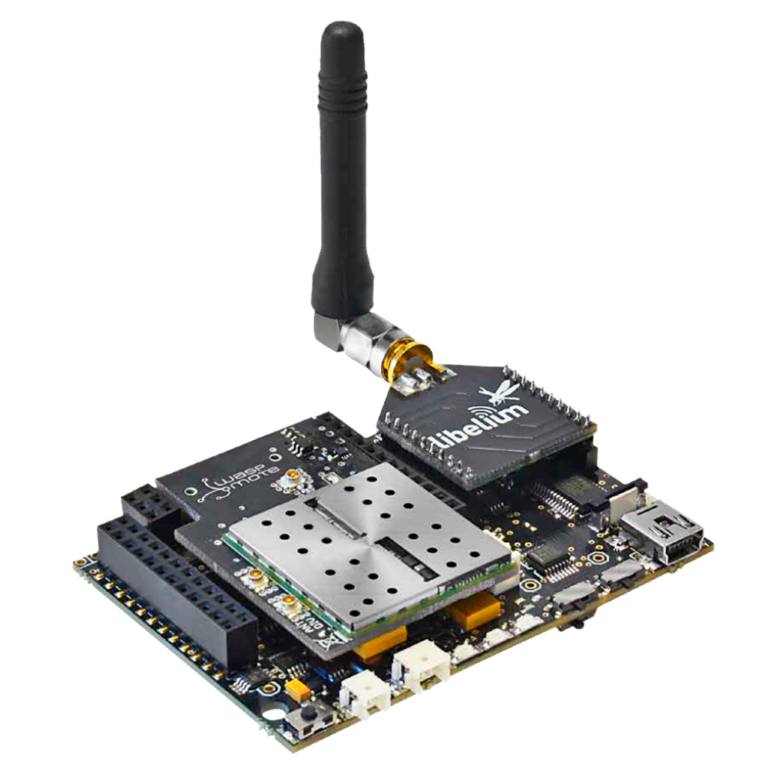
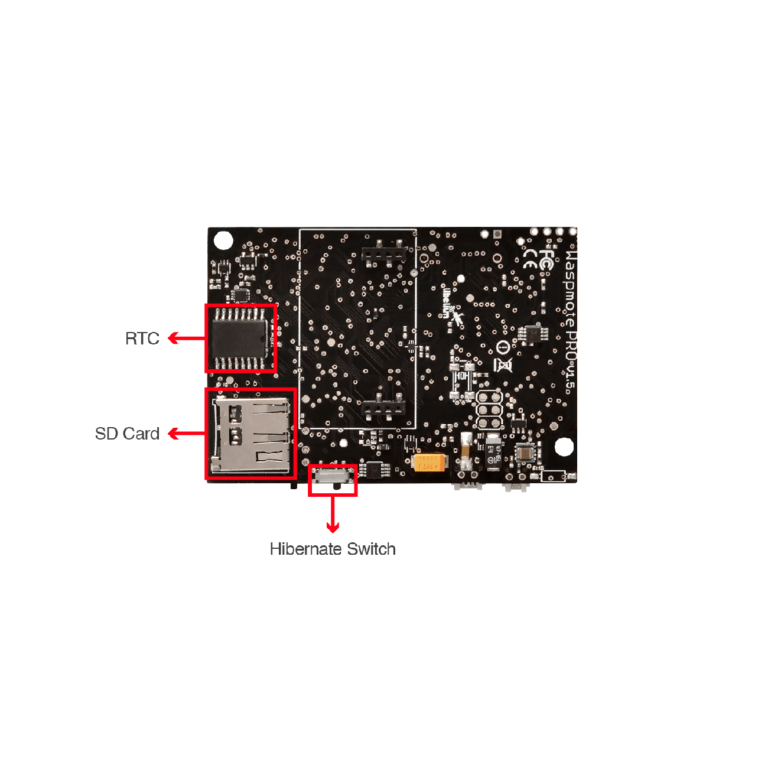
Once we have sent the program to Waspmote it will store it in the internal memory, a 2GB SD card. If we have into account that the maximum size for a program is 128KB, this means we can store thousands different firmware versions inside each node.

OTA-Shell

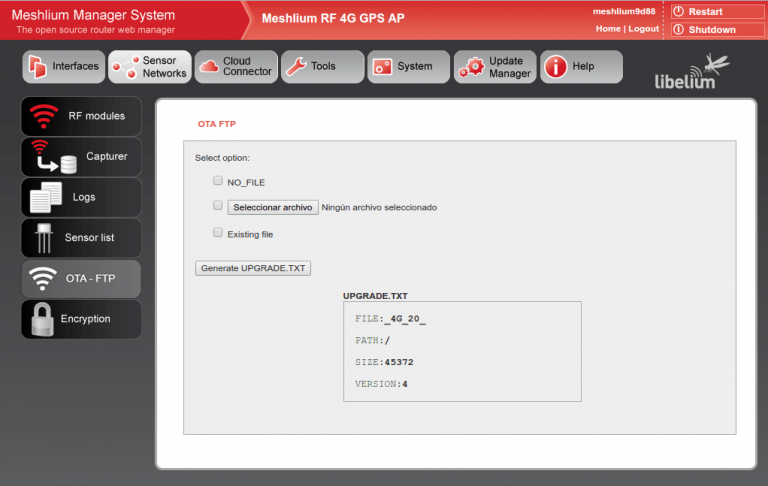
The OTA-Shell application can be used in Windows, Linux and MacOS. It allows to control in a quick and powerful way all the options available in OTA. If you are using Meshlium as the Gateway of the network, the OTA-Shell environment comes already preinstalled and ready to use. This is the recommended way when deploying a real scenario.

Documentation

In order to know more about OTA including how to download and use the OTA Shell application please go to the Development section:

Note

The concept of OTA may have some other names such as:

  • Over the air -> OTA
  • Over the air Programming -> OTAP
  • Firmware over the air -> FOTA
  • Programming Over the air-> POTA
  • Over the air service provisioning -> OTASP
  • Over the air provisioning -> OTAP
  • Over the air parameter administration -> OTAPA
  • Over the air upgrade -> OTAU
  • Over the air update -> OTAUR
  • Over the air Download -> OAD
  • Over the air flashing -> OTAF
  • Over the air parameter administration -> OTAPA
  • Multihop Over the air programming (MOTAP)